Wednesday, November 29, 2017

Wifi debugging in Android Studio

Intellij and Android Studio plugin are created to quickly connect your device over wifi to connect to install, run and debugging without using USB connected. 

Here are steps to install plugin to Android Studio

 > Click on Android Studio from top right corner

> Click on Preferences, Opens up new window manager
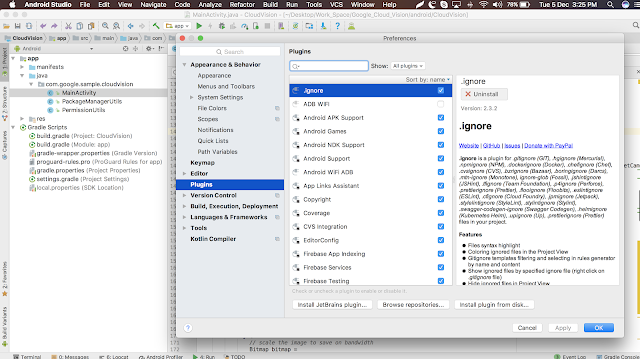

> Click on Plugins > Click on Browse repositories search as ADB wifi

> Tap on install button, once install's successfully, it show up new icon for Wifi ADB.

> Your phone will get detected and get's connected over wifi/hotspot and hence now you may disconnect USB.
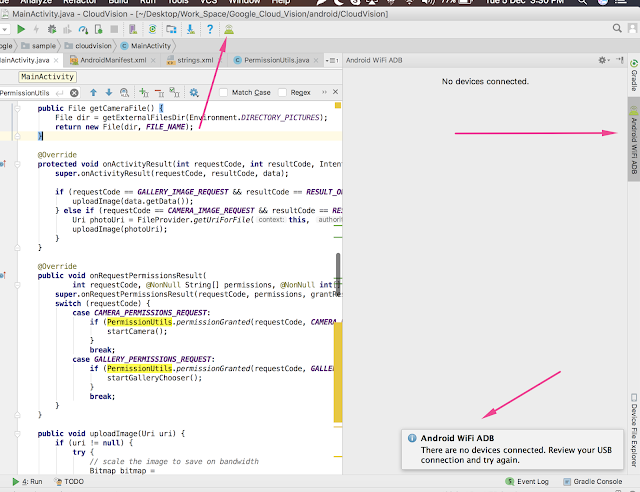
>It will save our time in irregular connection and also remedy for short length USB cable. 

Sunday, November 19, 2017

Thursday, November 16, 2017

FileProvider in Android Nougat

FileProvider is a special sub-class of ContentProvider class helps in secure sharing of files associated with an app by creating a content:// Uri for a file instead of a file ://Uri

A content Uri allows you to grant read and write access using temporary access permission. When you create an intent containing a content URI, in order to send the content URI to client app, you can also call intent.setFlags() to add permissions. This permissions are available to client app as long as the stack for a receiving Activity is active. For an intent going to a service , the permissions are available as long as the service is running


 Defining a FileProvider

Since the default functionality of FileProvider includes content uri generation for the file, you don't need to define a subclass in code. Instead you can include a fileprovider in your app by specifying it entirely in XML. 


<manifest>
    ...
    <application>
        ...
        <provider
            android:name="android.support.v4.content.FileProvider"
            android:authorities="com.mydomain.fileprovider"
            android:exported="false"
            android:grantUriPermissions="true">
            ...
        </provider>
        ...
    </application>
</manifest>
If you want to override any of the default behaviour of FileProvider methods, extend the FileProvider class and use the fully qualified class name in the
android:name attribute of the <provider> element

android:authorities > set to a URI authority based on domain you control;
if you use the same authorities for different apps, while installing it may through an exception to uninstall existing app which has same authority

android:exported > set to false, File provider does not need to be public

android:grantUriPermissions > set to true, to allow you to temporary access to files.


Specifying Available Files

nt A file provider can only generate content URI for files in directories that you specify beforhand
<paths xmlns:android="http://schemas.android.com/apk/res/android">
    <files-path name="my_images" path="images/"/>
    ...</paths>

Monday, October 30, 2017

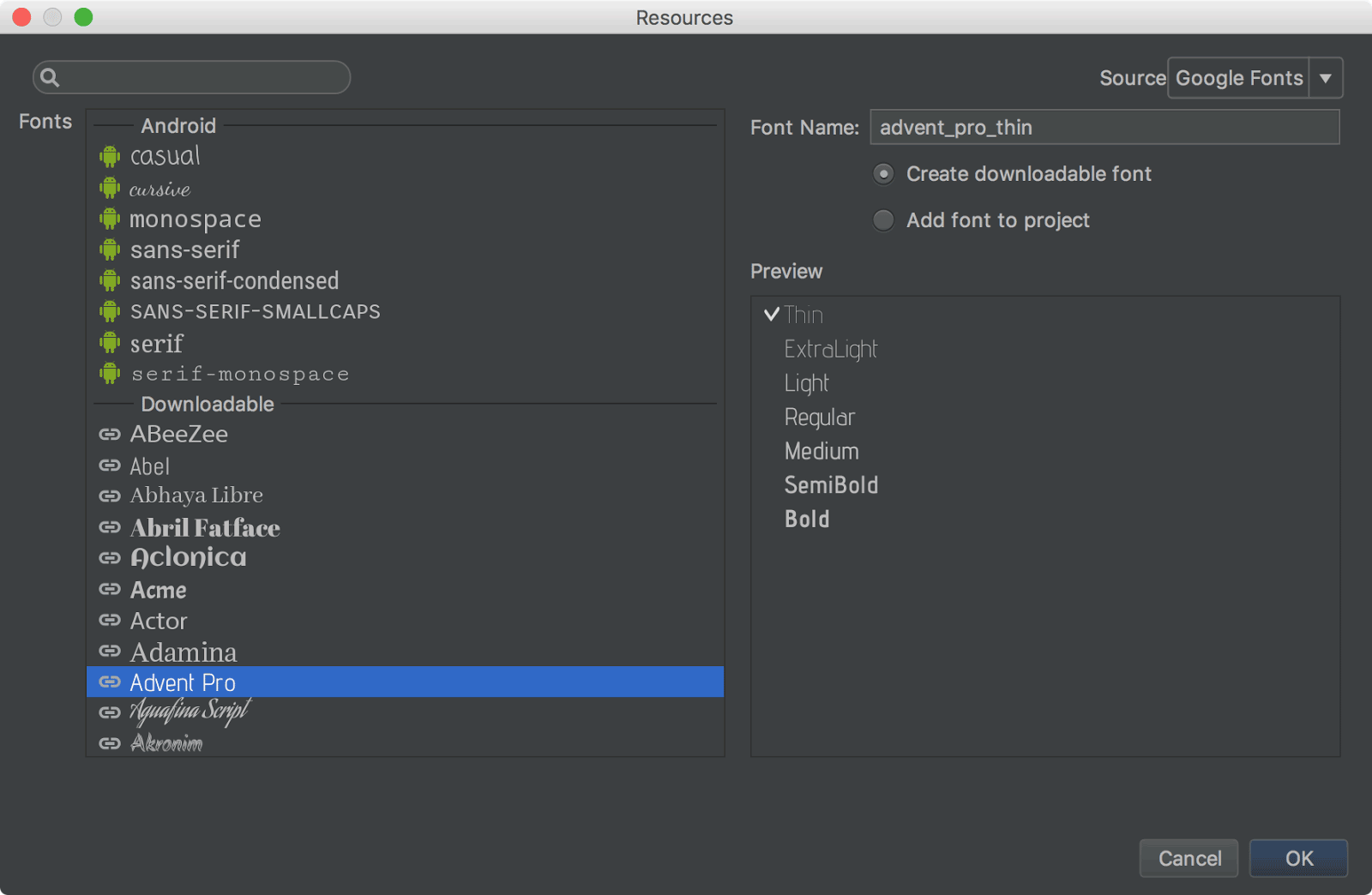
Whats new in Android Studio 3.0

Android Studio is the official tool for developing Android applications, includes everything we need.

To get the latest version of android studio click 
Help > Check for update (on Mac, Android Studio > Check for updates).

If you're the MAC user you'll face the following issue, just click cancel and continue.


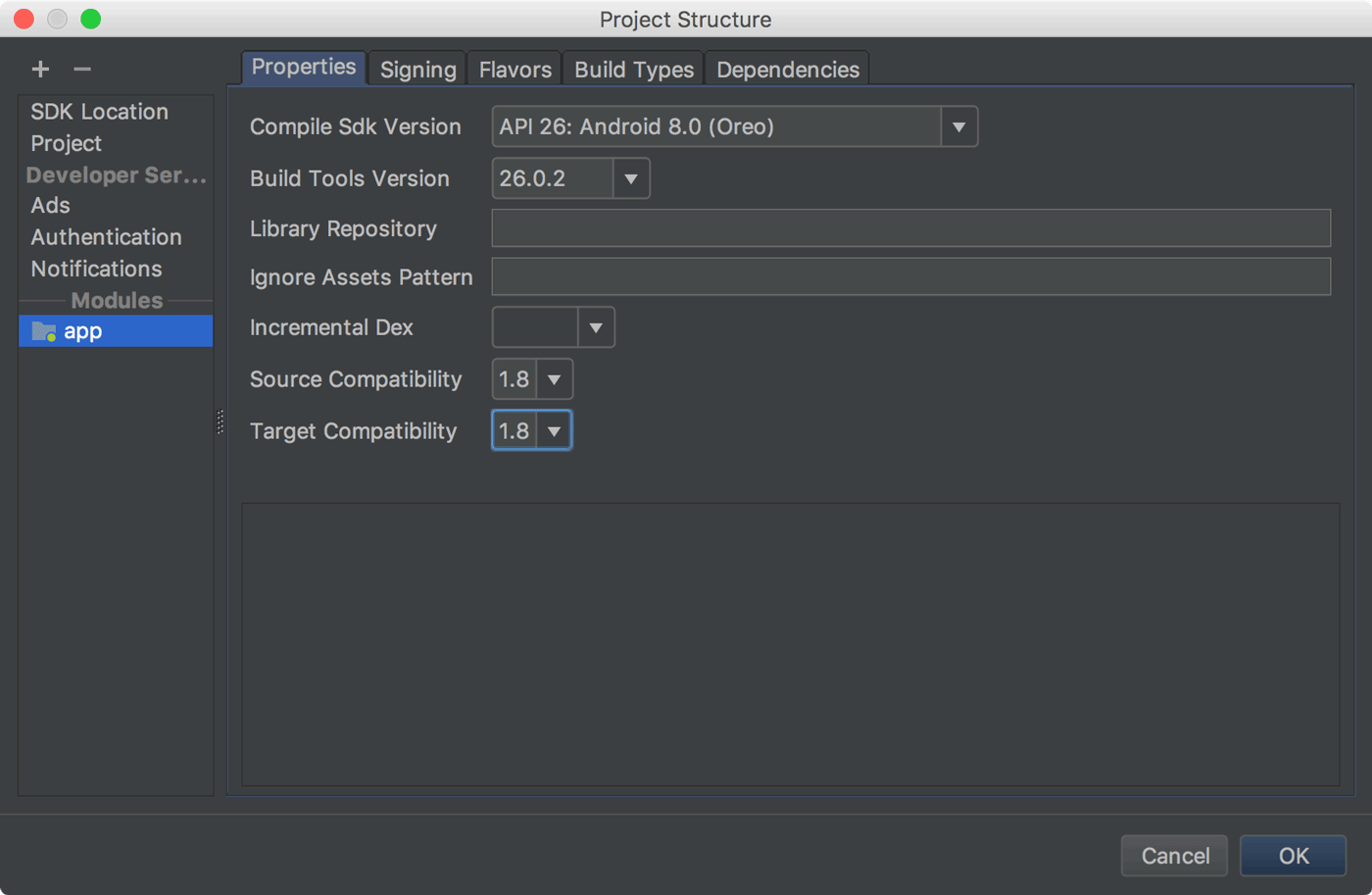
The primary purpose of the 3.0 is to improve the build performance for that projects which have a large number of modules. When using this plugin with large project. you should experience the following updates 

  • Support for android 8.0
  • Support for Java 8 libraries and Java 8 language features (without the Jack compiler).
  • Improved Gradle Sync speed
  • AAPT2 is now enabled by default in
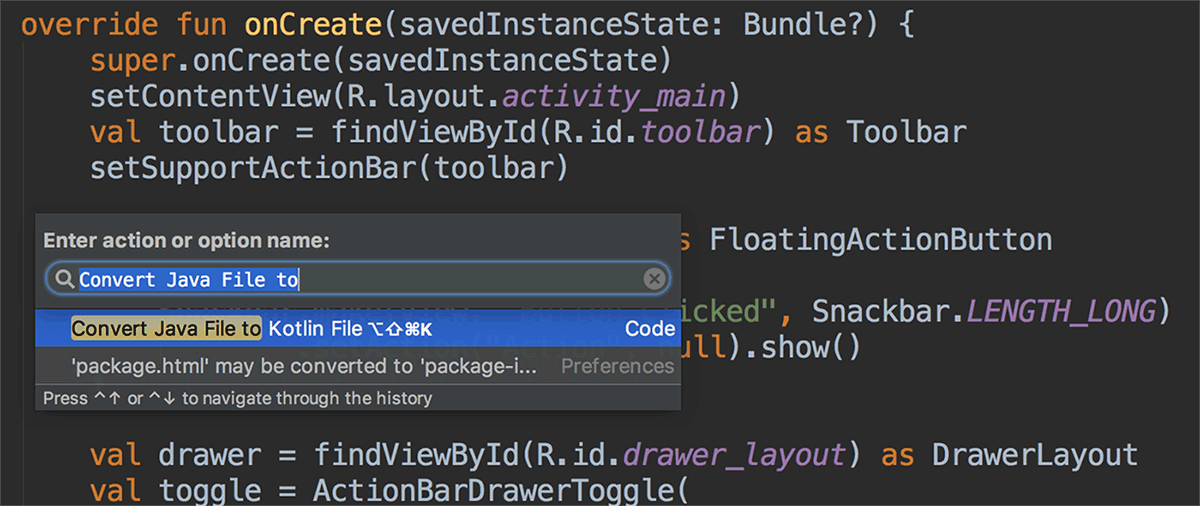
  • Kotlin Support
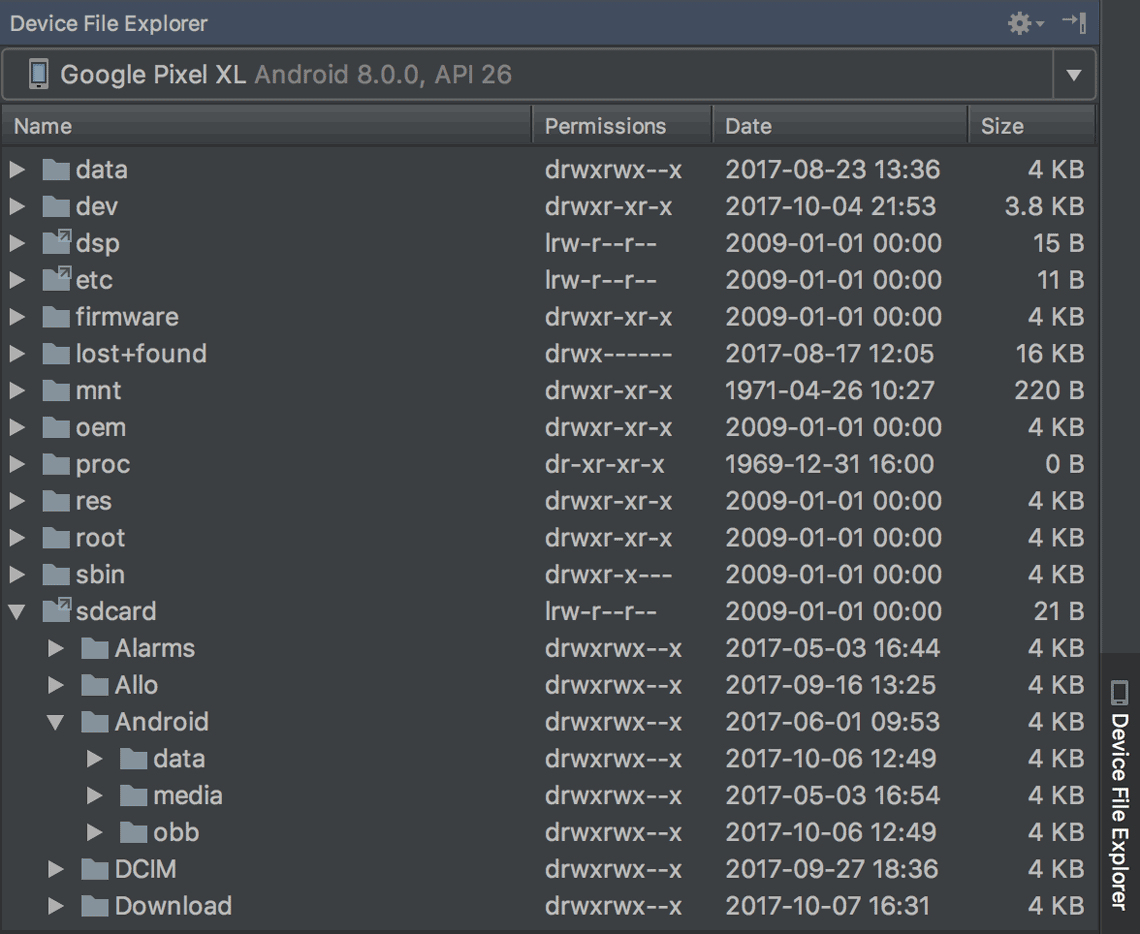
  • Supports the device file explorer

    To open 
    click View > Tool Windows > Device File Explorer.
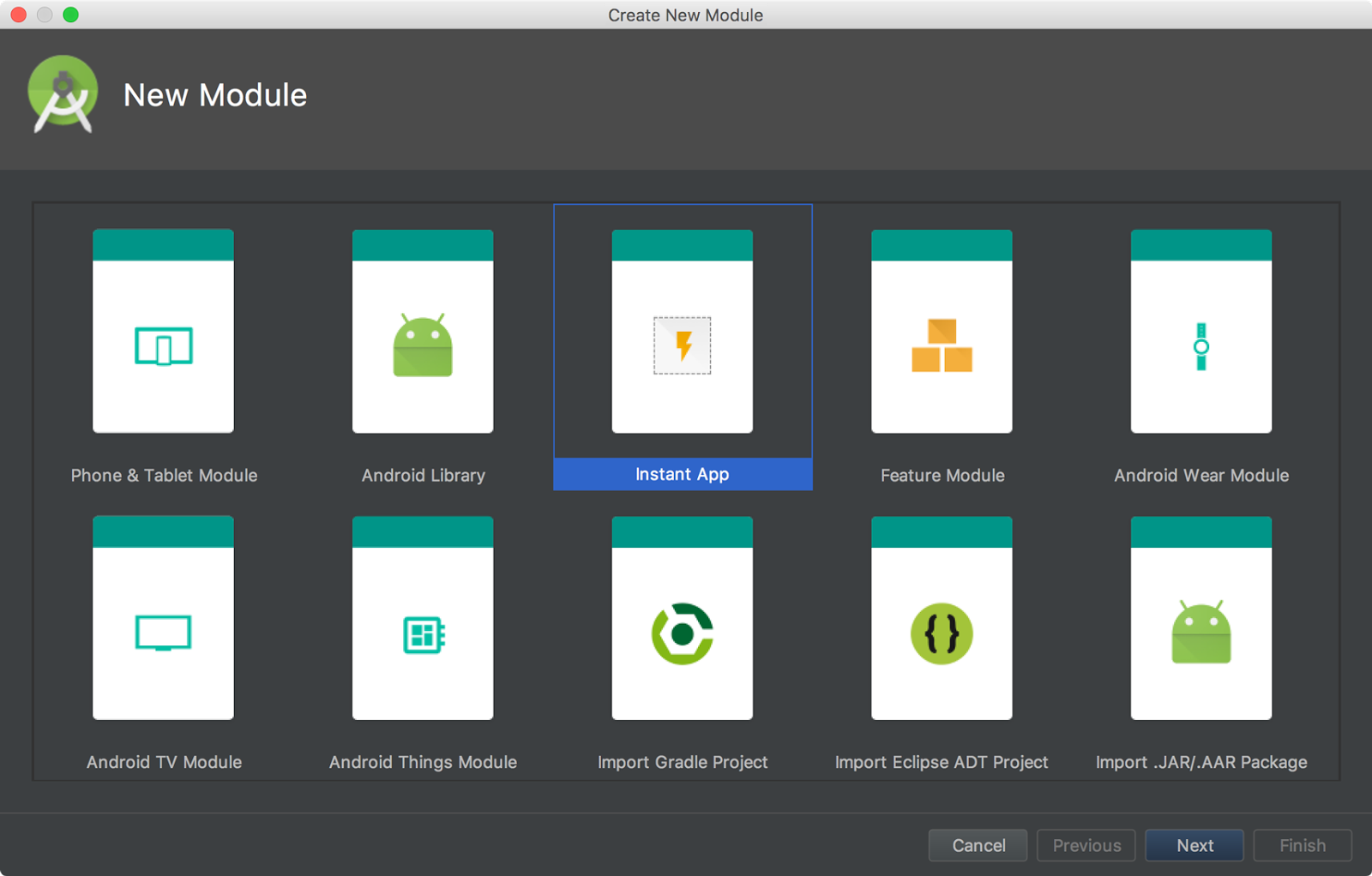
  • Supports developing intant apps

  • Supports the adaptive icons for launching the androids apps in 8.0
    to start,
     right-click on the res folder in your project, and then click New > Image Asset. In the Asset Studio window, select Launcher Icons (Adaptive and Legacy) as the icon type.
          
  • Supports for font resources, you can choose various inbuilt font resources for your Android projects, instead of adding manually onto font folder


  • Added Google Moven repository./
    Android studio now uses Google's moven repository by default instead of depending on Android SDK manager to get updates for Android support library, Google play services, Firebase and other dependencies
    allprojects {
        repositories {
            google()
        }
    }
  • Native debugging with windows-32 no longer supports.
    in case if developers chooses to debug apps using window-32 they can use 
    Android Studio 2.3.

Wednesday, October 25, 2017

Fingerprint Authentication


Android 6.0 Marshmallow offers new features for developers and user. This post will help developers to teach how to add Fingerprint authentications to apps.

There are several advantages of using the fingerprint authentications

> Fast and easy to use
> Secured : fingerprint uniquely identifies
> Online transactions are safer 

There are several steps you have to follow before using fingerprint, It could really seems quite complex but this post help you step by step.

* Verify that lock screen is secured by PIN, password or pattern
* Check at least on fingerprint is registered on your phone
* Get access to android keystore to store the key used to encrypt or decrypt an object

* Generate an encryption key and the cipher
* Start the authentication process
* Implement callback methods to handle authentication event

Pre-requisites Android SDK 26
Android build tool v26.0.1
Android support repository


Before starting our app should get permission to access the sensor and fingerprint from android core, It can be done by just adding permission tag in manifest.xml file

<uses-permission android:name="android.permission.USE_FINGERPRINT" /> 

Now we create mainActivity class to handle all authentication process.
FingerprintAuthenticationDialogFragment.java

Small helper class to manage text/icon around fingerprint authentication UI.

Friday, September 1, 2017

Reactive Native Sample App


What is reactive native ?Reative Native is an framework for designing the native mobile applications.
It is javascript code library developed by facebook available on Github from 2013

React Native helps the developer to reuse the code across web and on mobile
Ex : Facebook,

What platform the reactive native supports ?
IOS and Android

Saturday, August 26, 2017